One round or a weekend away
Golf match scoring with your friends
Host a group round, invite your playing partners and follow a private leaderboard as scores come in. Chalk keeps the match with your scorecards instead of sending it to a public feed.
Get Chalk for iPhone ↗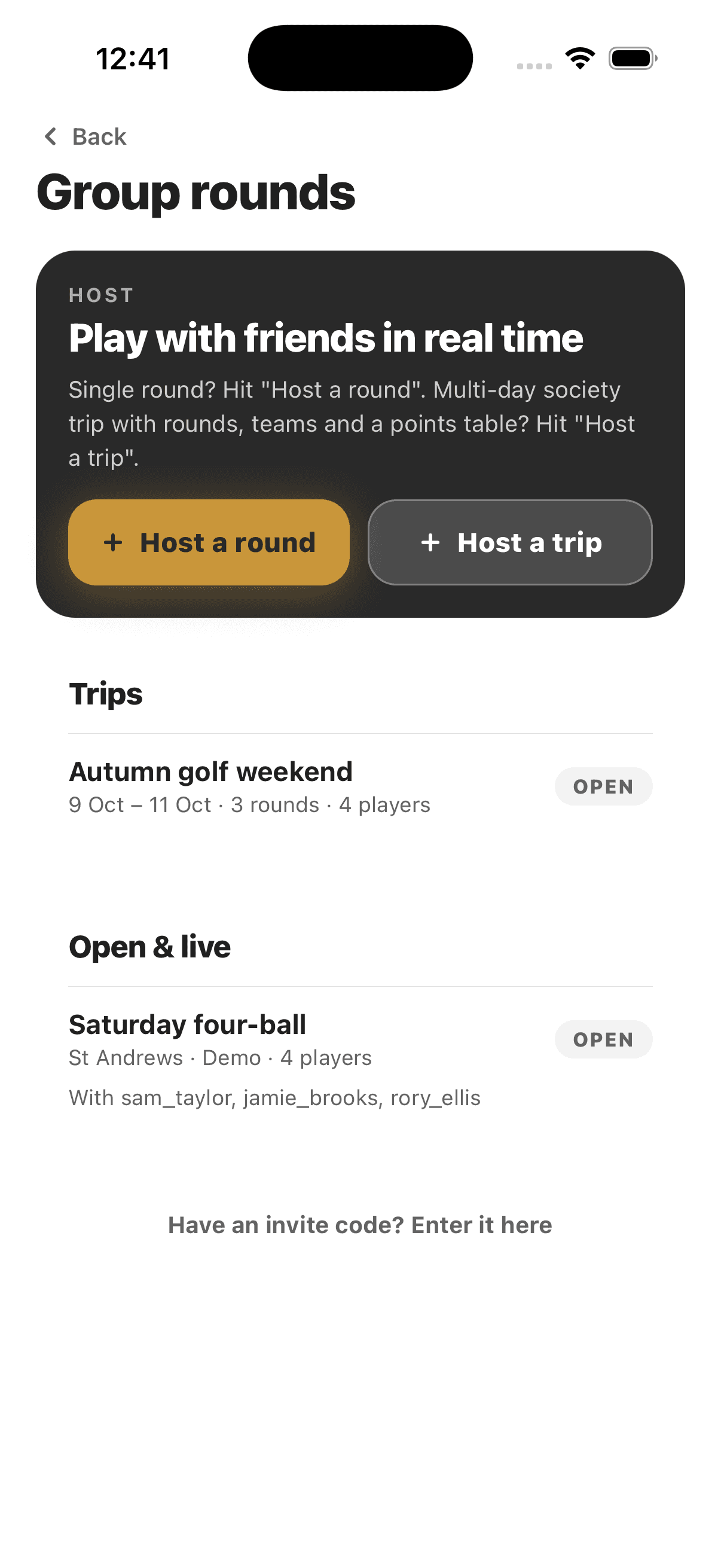
Set up the match, then play
- Host a round. Choose a course and scoring format. Chalk supports individual formats including stroke play, Stableford, match play and skins, plus selected team games.
- Bring in your group. Invite friends or share a join code. Each accepted player can follow the match from their own account.
- Follow the score. Enter hole scores during the round and check the leaderboard. Gross and net views depend on the selected format and handicap setup.
A golf trip leaderboard for several rounds
For a golf weekend or society trip, create a trip, invite the group and add rounds to it. The trip keeps the roster and a points table together across the event. If you only need one Saturday four-ball, host a single round instead.
Match play is a two-player format in Chalk; skins and Stableford can be used for group scoring. Team formats have player-count rules, and some hosting limits depend on your plan. Check the format picker and current terms in the app before setting up your event.
Before you tee off
Agree on tees, handicaps and any competition rules with the group. Need a number first? Chalk's web calculators work without an account.