On the course
The number the shot really plays
Under the yardage, Chalk shows what the shot plays like with the slope, the wind and the air counted, and the club from your bag that gets there. Tap it to see what moved the number.
Get Chalk for iPhone ↗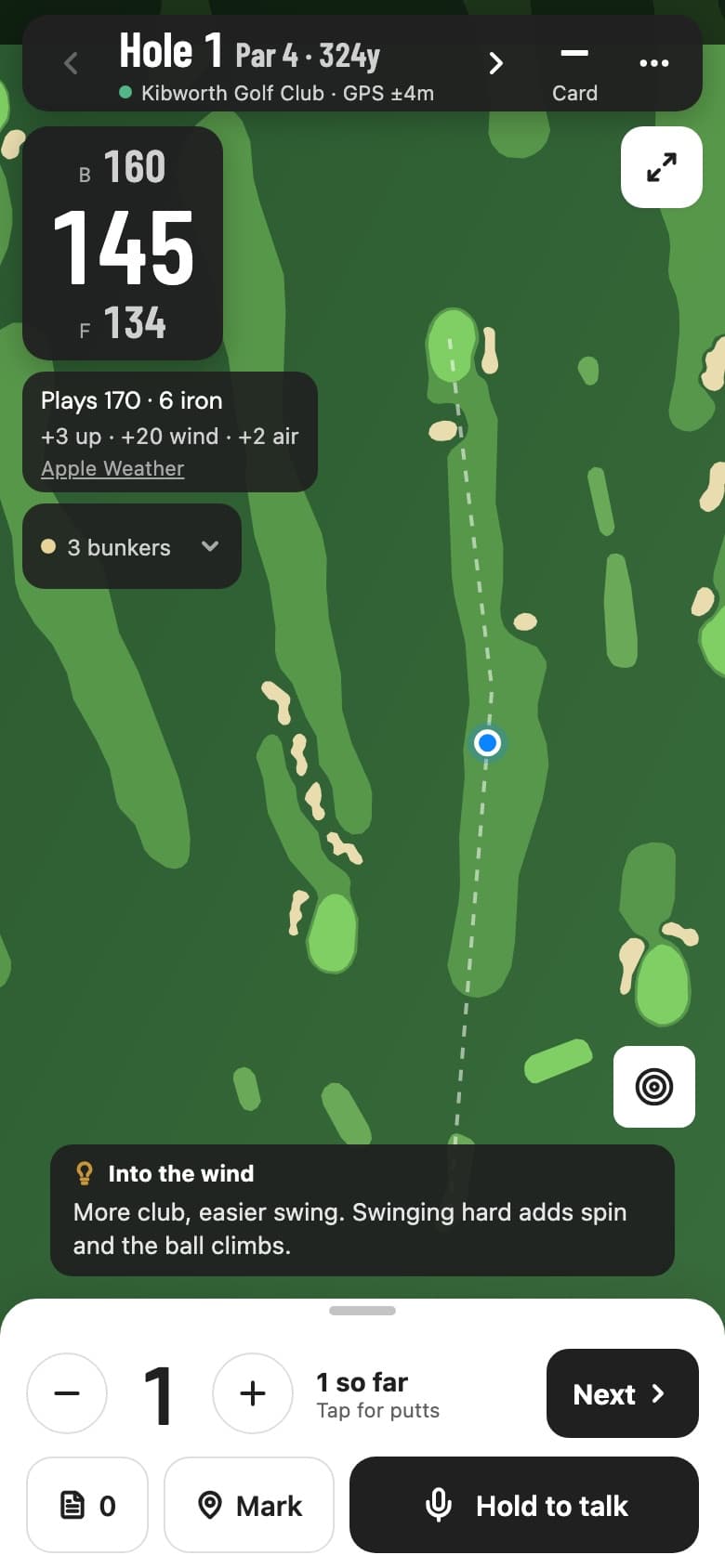
What goes into the number
- Slope
- 1 yard per yard of rise or fall, from a terrain grid of the course
- Wind
- +1% per mph into you, −0.5% per mph behind, and an aim offset for a crosswind
- Air
- Temperature, pressure and altitude, about 2% per 1,000 ft
- Rain
- +3% when it's raining steadily
- Club
- The shortest club in your bag that reaches the plays-like number
- Tip
- One line over the map: into the wind, downhill, wet, and what to do about it
145 to the middle, three yards uphill, into a 14 mph wind on a cool morning: plays 170. The 7 iron you'd pull for 145 finishes short. The 6 iron, swung easy, doesn't. The guide to calculating plays-like distance works through the rules of thumb, and the calculator does the sums for any shot.
Three places it shows up
- Under the yardage. “Plays 170 · 6 iron” sits under the front, centre and back numbers on every hole with a mapped layout. The club comes from your bag, so it's your 6 iron, not an average golfer's.
- In the breakdown. Tap it: +3 up, +20 wind, +2 air. You can see which one matters today and ignore the number when you know better.
- On your wrist. The Apple Watch runs the same maths from its own GPS, so the phone can stay in the bag.
Competition mode
Rule 4.3a lets a device give you distance, not slope or a club. Competition mode in the round menu hides the plays-like number, the club pick and the tip in one switch. It's on by default for tournament rounds, and the yardages stay.
On the Apple Watch
Front, centre and back from the watch's own GPS, then “Plays 170 · 6 iron” under them. The phone sends the forecast and your bag when the round starts, and the watch does the rest itself.
Chalk on Apple Watch →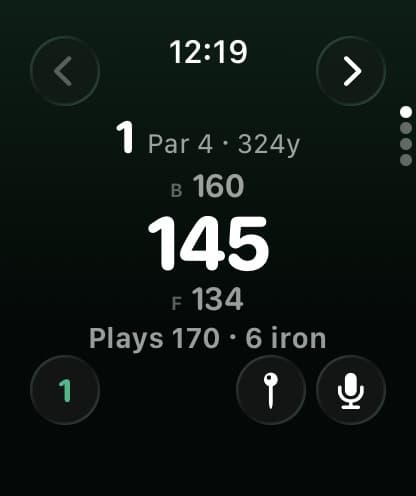
The rest of the round screen
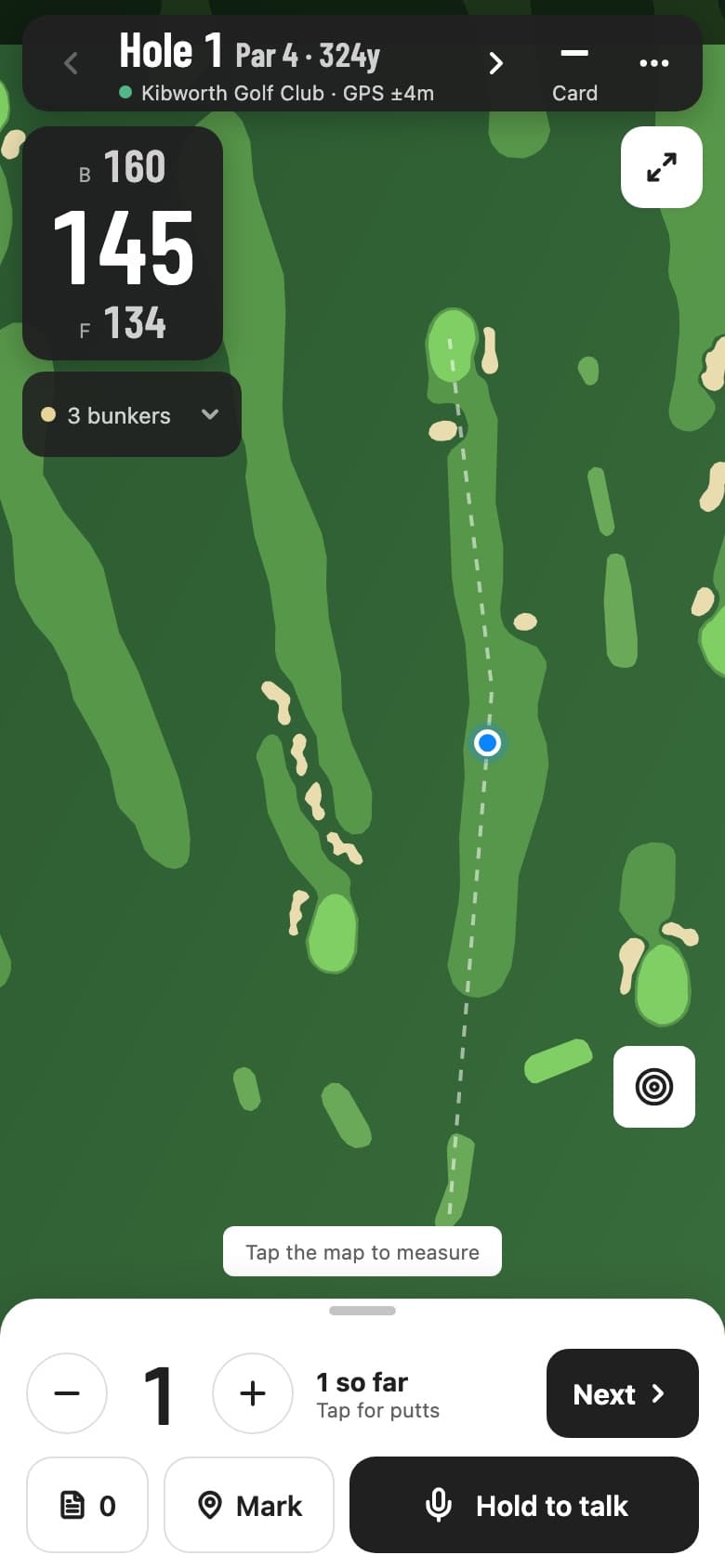
The map follows the hole you're on. Front, centre and back to the green, reach and carry to every bunker and water hazard, the Mark button for tracking your shots, and hold to talk if you'd rather say the score.
How the hole plays for everyone →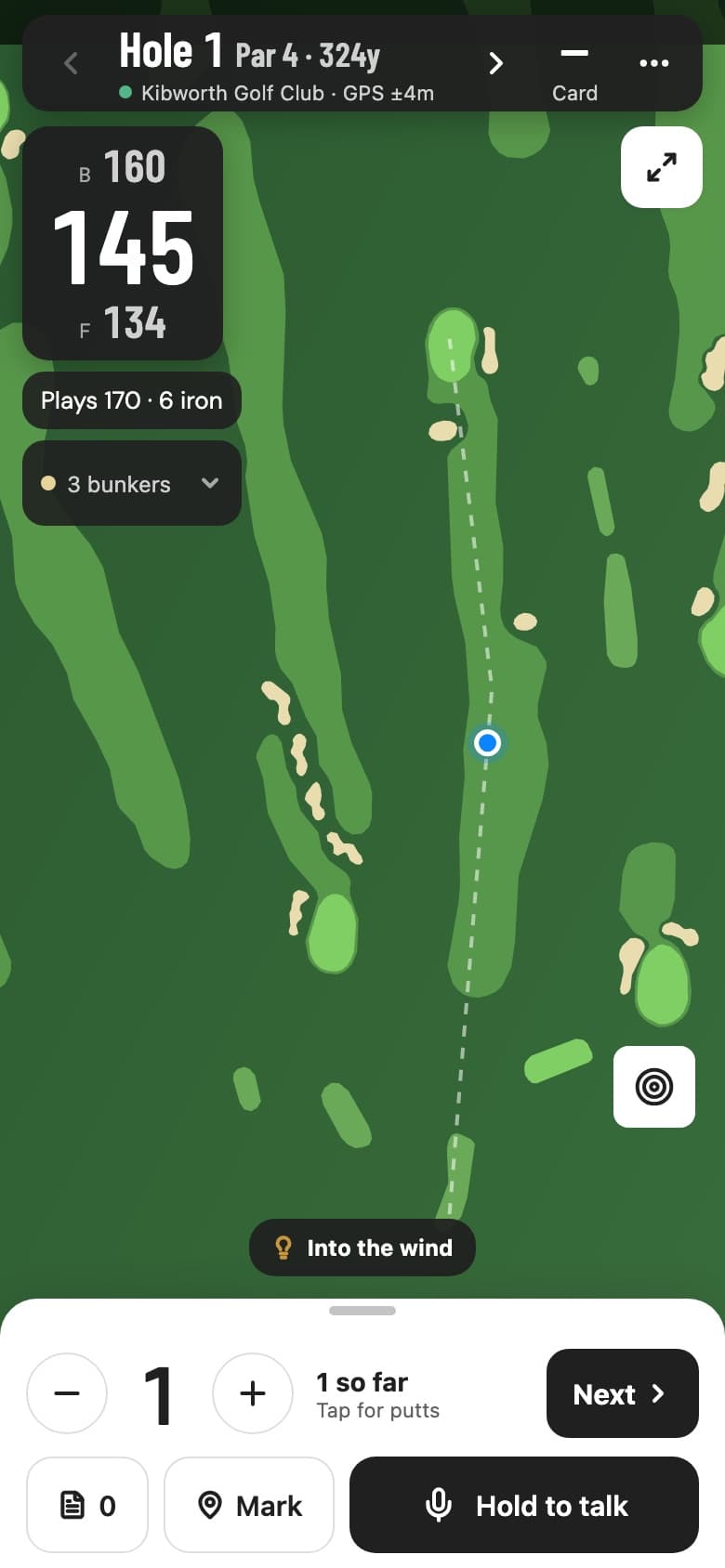
Questions
Where do the numbers come from?
The wind, temperature and rain come from Apple Weather for where you're standing, refreshed every 15 minutes. The rise or fall comes from an elevation grid of the course. The club comes from your own bag, which Chalk builds from the shots you mark and the distances you say in voice notes, or from the numbers you type in.
Can I use it in a competition?
No. Rule 4.3a allows distance from a device but not elevation changes or a club recommendation. Competition mode in the round menu hides the plays-like number, the club and the tip, and it's on by default for tournament rounds. The front, centre and back yardages stay.
Does it work on Android?
Yes. The round screen is the same on Android, with the plays-like number, the breakdown and the tip. The watch version is for Apple Watch.
Which courses have it?
Any course with a mapped layout, which is where Chalk already shows front, centre and back yardages. The slope needs the course's elevation grid, which Chalk fetches the first time someone plays there.
Is plays-like distance part of Pro?
Yes. The plays-like number, the club pick and the tips are Pro. Yardages, hazards and the hole map are free.
How accurate is it?
It's an estimate built from rules of thumb, the same ones golfers have used for years, with the weather and the slope measured instead of guessed. A high, spinning ball is hurt more by wind than a low one, so treat the number as a better starting point and let your own flight decide the rest.
Related
Plays-like distances are estimates. Weather data from Apple Weather. Apple Watch and Apple Weather are trademarks of Apple Inc.