For organisers · Chalk Pro
Run your golf day from one link
Open entries, fill the tee sheet, put the leaderboard on the clubhouse TV and print the cards. Players sign up from a link and never need a subscription.
Get Chalk for iPhone ↗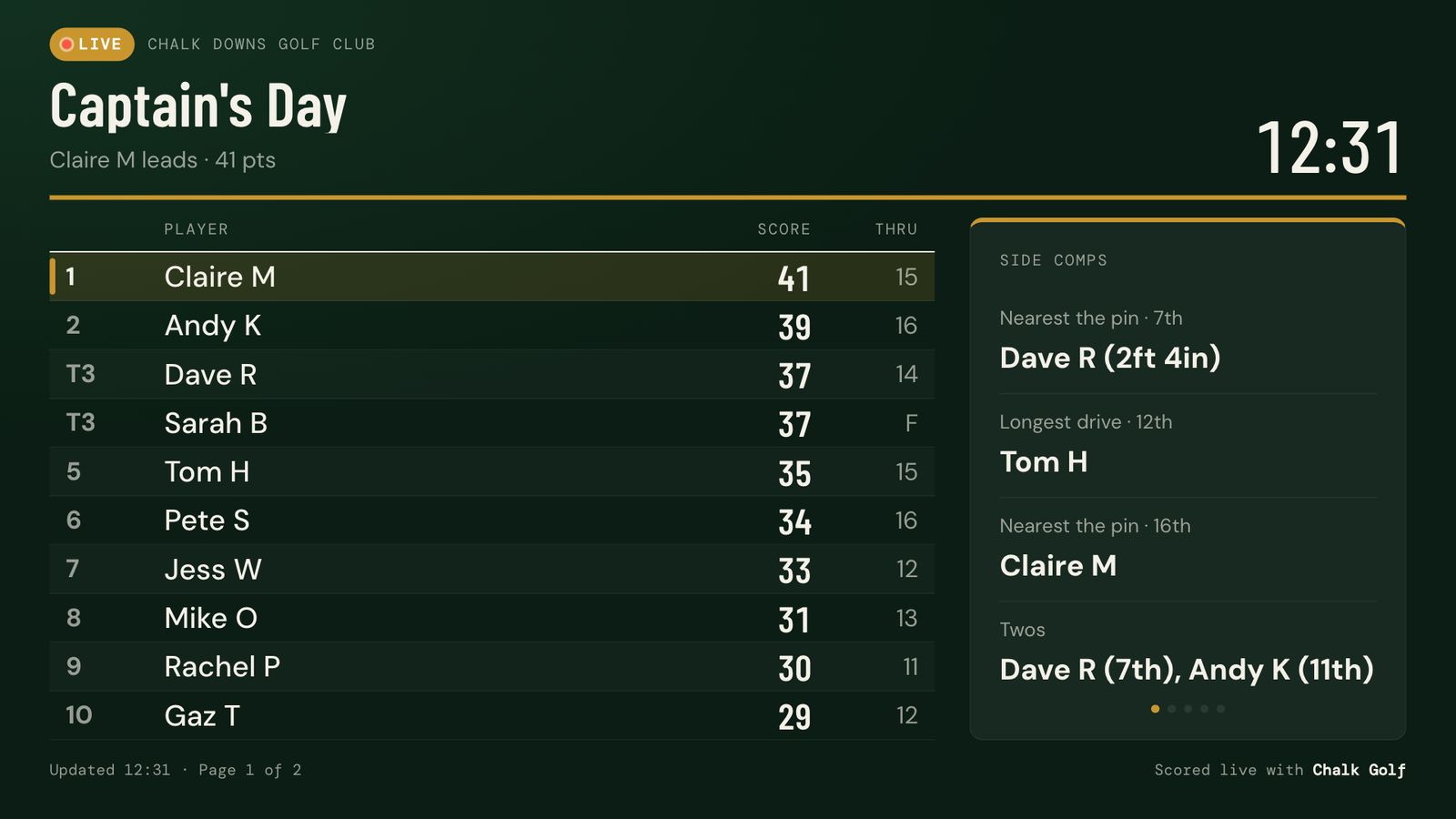
From entries to prize giving
- Open entries. Turn on the event page for a group game and share the link. Set a field limit and a closing time; entries close by themselves when either is reached.
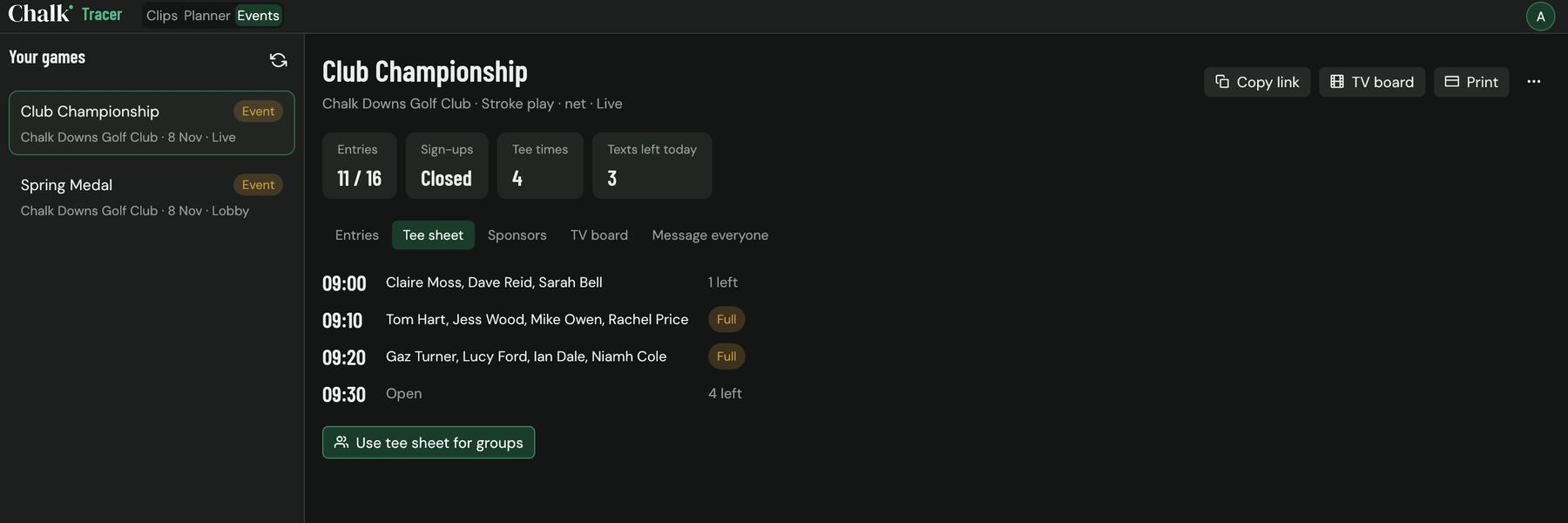
- Fill the tee sheet. Entrants pick a tee time with space. One tap builds the playing groups from the sheet, four to a time.
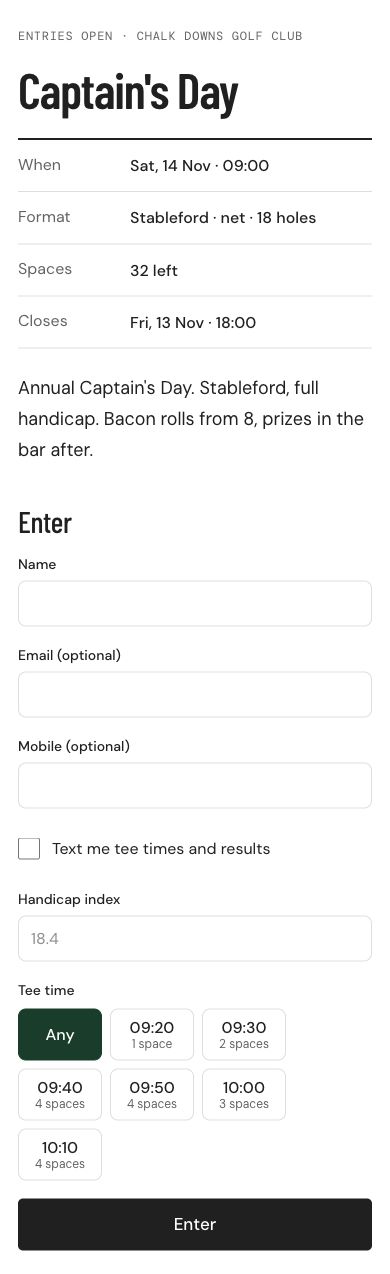
- Play and watch. Groups score in the app. The live board updates for everyone at home, and the TV board pages through the field in the clubhouse.
- Finish. Print the results with the side competition winners, send everyone their finishing place, and count the day in your season or league.
An entry page anyone can use
The page shows the date, format, spaces left and your note about the day. People give their name and handicap index, choose a tee time, and can ask for tee times and results by text. A bot check keeps fake entries out, and nobody can enter the same name twice. On a net competition the handicap index is required, and Chalk works out each entrant's course handicap from the tee's rating.
A leaderboard for the clubhouse TV
Open the TV board on any screen with a browser and make it full screen. It refreshes by itself, pages through a big field, and rotates side competitions, groups on the course and your sponsors. Pick dark or light, your club colour and logo, a message line such as the time of the prize giving, and a gross column for net stroke play.
Sponsors, texts and printed cards
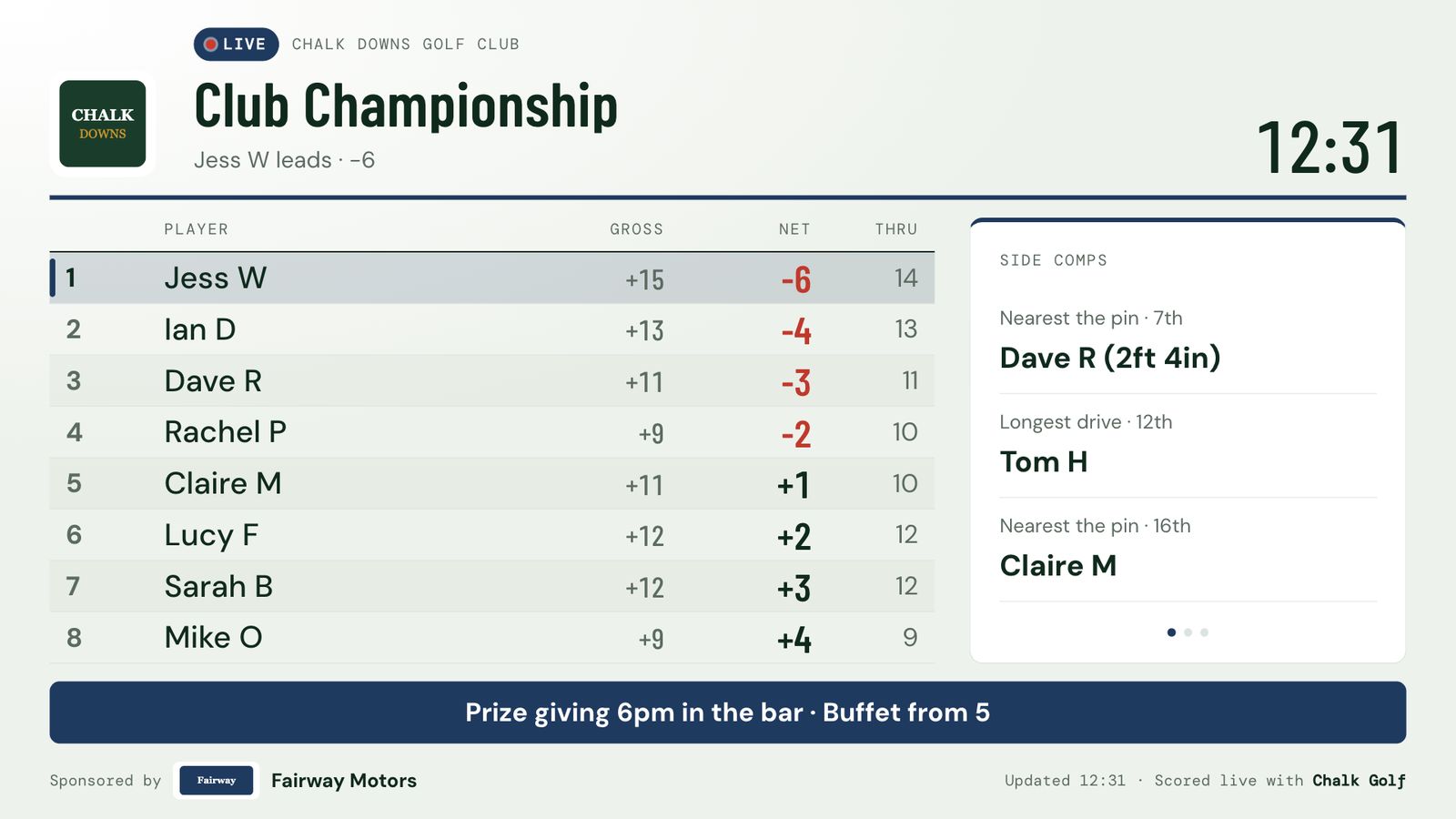
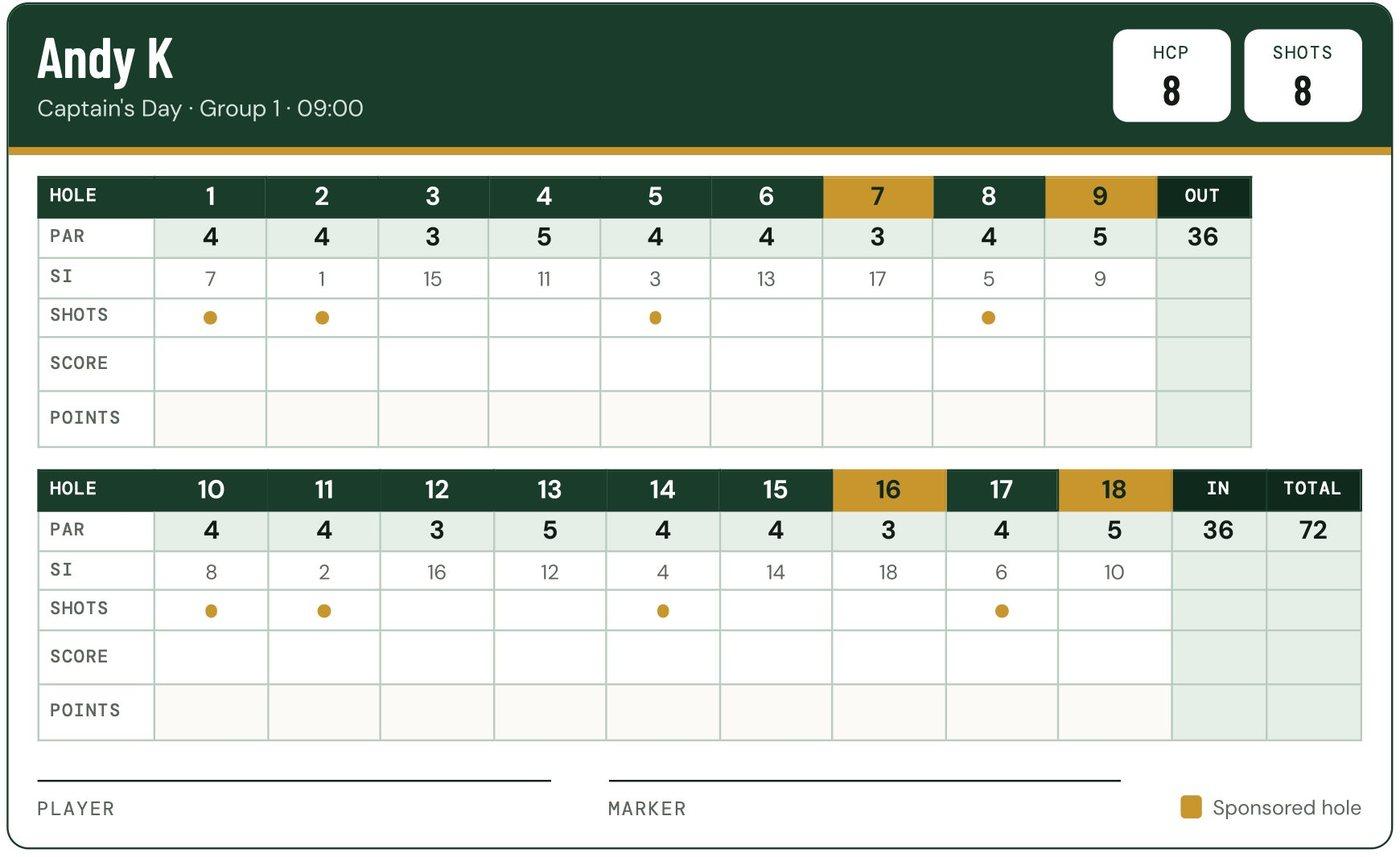
Sponsors. Add a logo, a line and the holes they sponsor. They appear on the entry page, the live board, the TV board and every printed sheet, and sponsored holes are marked on the scorecards.
Texts. Message everyone with tee times, results or a short note. Players with the app get a notification; entrants who confirmed their mobile get a text with their own tee time or finishing place.
Print pack. A4 draw sheet, a scorecard for every player with the shots they receive on each hole, and a results sheet with the top three and side competition winners.
Or run it from your Mac
The Events tab in Chalk Tracer for Mac shows the same event on a big screen: entries with contact details, the tee sheet, sponsors (drop a logo file on the window), the TV board settings and Message everyone. A Mac plugged into the clubhouse TV can be the leaderboard.
Charity days and golf tournaments
The same tools run a charity scramble or a corporate golf tournament: one entry link, a tee sheet, sponsors on every screen and sheet, and a live leaderboard for the room. Chalk does not take entry fees or donations, so keep collecting those the way you do now. For everything before the day, from booking the course to the thank-you notes, use the free golf tournament planning checklist, which works back from your date and downloads as a spreadsheet.
Leagues across the season
Put events into a season and Chalk keeps the order of merit. Make it a league and split players into teams: each round, a team scores its best players' points, and the team table sits above the individual one.
Questions
Do players need the app or a subscription?
No. People sign up on the event page in any browser, and scores for players without the app can be entered by their group or the organiser. Only the organiser needs Chalk Pro.
How do tee times work?
Set the first tee time, the gap between groups and how many times to offer. Entrants pick a time with space when they sign up, and one tap puts everyone into groups from the tee sheet. Anyone who didn't pick fills the gaps.
Which formats can an event use?
Any of the group formats in Chalk, including stroke play, Stableford, match play, skins and team games. Net scoring uses each player's course handicap from their Handicap Index and the tee's rating.
What happens to entrants' contact details?
The organiser sees the name, mobile and email each entrant gave. Texts only go to people who confirmed their number with a code, and contact details are deleted 30 days after the event finishes.